

Introduction to Low Word Count Errors
Definition of Low Word Count Errors
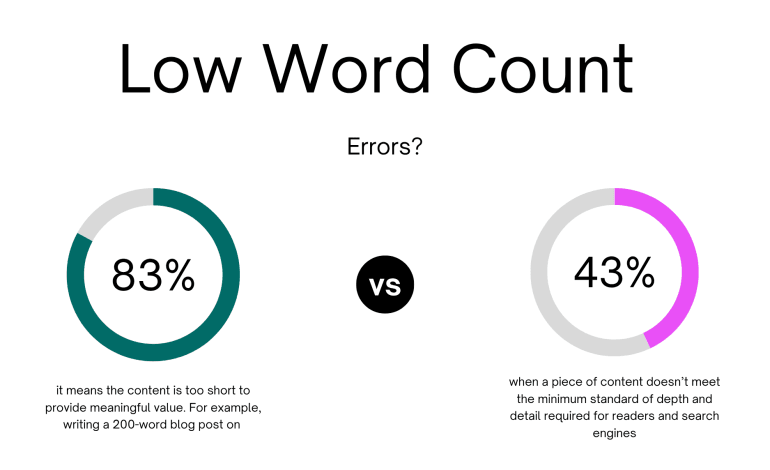
Low word count errors occur when a piece of content doesn’t meet the minimum standard of depth and detail required for readers and search engines. In simple terms, it means the content is too short to provide meaningful value. For example, writing a 200-word blog post on “SEO strategies” won’t cover the topic thoroughly, leading to a low word count error.
Why Word Count Matters in Content Writing
Word count isn’t just about numbers—it’s about depth, value, and coverage. Search engines like Google consider longer, well-structured content more authoritative because it typically answers user queries more thoroughly. While short content can work in some cases, most competitive niches require a more detailed approach.
Causes of Low Word Count Errors
Lack of Research
When writers don’t research enough, they struggle to expand on their ideas. Without supporting data, case studies, or examples, the article ends up short and incomplete.
Poor Content Planning
Jumping straight into writing without an outline often results in scattered ideas and a lower word count. A lack of structure prevents writers from covering all angles of a topic.
Overuse of Short Sentences
While short sentences improve readability, overusing them without expanding the explanation makes the content too thin. Readers might walk away with the sense that something’s lacking.
Ignoring User Intent
If you don’t understand what users want from a keyword, you might create surface-level content. For instance, someone searching “how to do keyword research” expects step-by-step instructions, not a 300-word overview.
Limited Knowledge on the Topic
Writers who lack expertise may run out of ideas quickly, leading to short, underdeveloped content.
Impact of Low Word Count Errors
SEO Challenges
Thin Content Penalties
Google considers very short, unhelpful content as “thin content,” which can negatively affect your site’s rankings.
Poor Keyword Optimization
With fewer words, there are fewer opportunities to naturally include target keywords and related terms, making SEO weaker.
User Experience Issues
Lack of Depth in Information
Readers want detailed answers. If your content doesn’t provide enough, they’ll quickly move to a competitor’s page.
Higher Bounce Rates
If visitors leave quickly because your content lacks depth, search engines see it as a sign of poor user experience.
How to Identify Low Word Count Errors
Using SEO Tools
Tools like Surfer SEO, Clearscope, or SEMrush can show you if your content length falls short compared to top-ranking competitors.
Checking Competitors’ Content Length
If the top results have 1,500+ words and your article is only 500 words, you likely have a low word count issue.
Manual Content Audit
Read your article critically. Does it fully answer the query? If not, it probably needs more content.
Ideal Word Count for SEO
Long-Form vs Short-Form Content
Long-form content (1,500–3,000 words) usually ranks better because it provides comprehensive coverage. Short-form content (under 600 words) can still work for direct answers, but it’s less effective for competitive queries.
Recommended Word Counts for Different Content Types
Blog Posts
1,200–2,500 words work best for blogs, especially in competitive niches.
Product Descriptions
300–800 words are enough, focusing on features, benefits, and FAQs.
Landing Pages
500–1,500 words depending on the conversion goal.
Guides and Tutorials
2,000+ words for in-depth step-by-step content.
How to Fix Low Word Count Errors
Expand with Research and Data
Use statistics, case studies, or expert quotes to strengthen your content and naturally increase word count.
Add FAQs and Common Questions
Answer related queries within your content. This not only boosts word count but also improves SEO with long-tail keywords.
Include Case Studies or Examples
Real-world examples help clarify complex points and add depth to your writing.
Use Visual Content (Images, Infographics, Videos)
Enhancing your text with visuals makes content more engaging and gives you opportunities to explain ideas further.
Break Down Complex Ideas into Sections
Instead of covering a topic briefly, divide it into subtopics and explain each thoroughly.
Best Practices to Avoid Low Word Count Errors
Create a Detailed Content Outline
Plan your content before writing. A clear outline helps you cover all important points.
Focus on User Intent
Write with the reader’s needs in mind. Explain the topic by addressing the what, why, and how.
Update and Refresh Old Content
If you find older articles with low word counts, expand them with fresh data and insights.
Perform Regular Content Audits
Check your site periodically for low word count content and optimize accordingly.
Conclusion
Low word count errors are a common issue in content writing, but they can be fixed with proper planning, research, and a focus on user intent. Remember, word count is not just about numbers—it’s about providing value. By expanding your content strategically, you’ll improve SEO, engage readers, and reduce bounce rates.
Frequently Asked Questions
1. What is considered a low word count for SEO?
Anything under 500 words is generally considered low for SEO in competitive niches.
2. Can short content still rank on Google?
Yes, if it directly answers a query (like a dictionary definition), but it’s rare in competitive industries.
3. How do I know if my article has low word count errors?
Compare your content length with top-ranking competitors and check if your article fully answers the user’s query.
4. Does increasing word count always improve ranking?
Not necessarily—quality matters more. Adding fluff won’t help; adding value will.
5. What tools can help me fix low word count errors?
Tools like Surfer SEO, SEMrush, and Clearscope can guide you on ideal content length and optimization.